5Ways to Know If Google Has Removed You From Google Search
In May 2026, Google rolled out one of its biggest search updates of the year, and site owners everywhere felt it. Over about two weeks, businesses watched their traffic swing as Google recalibrated how it judges "good" content, pushing thin or outdated pages further down the results, or out of them completely, while rewarding sites that offer real depth and value to the people searching. This wasn't a one-off — it's part of a bigger shift where Google is looking for higher-quality content across the board, not just from big brands. If your enquiries have quietly dried up since then, you might not be imagining it. Your site could be one of thousands worldwide that Google has actually removed from search, without you ever being told. Here's how to check.
Your Site Used to Show Up on Google — Now It Doesn't
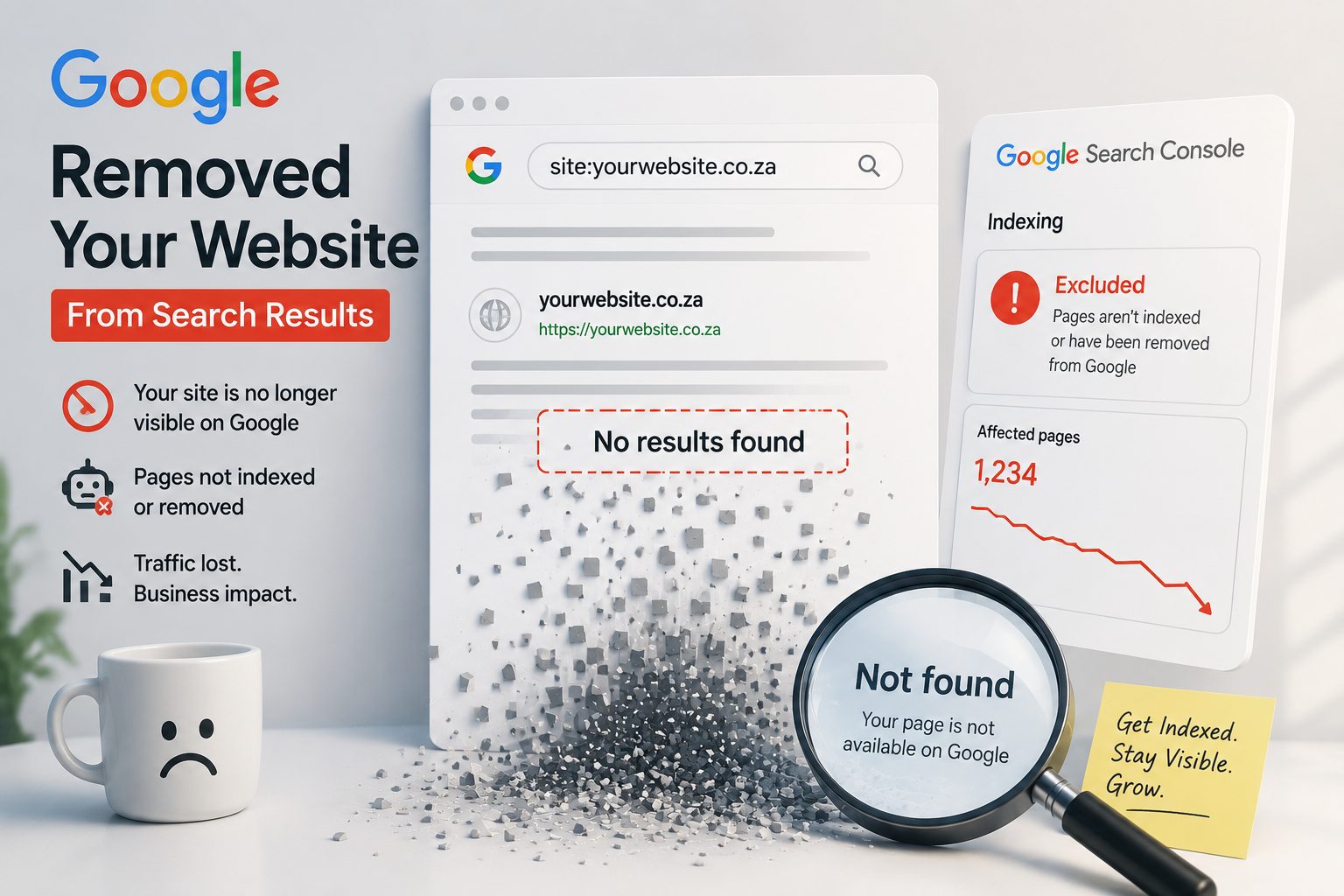
Searching your own business name isn't a reliable test. The site: search operator is.
Casually Googling your own business name feels like the obvious first check, but it's not a reliable one. Google can still show your Facebook page, a directory listing, or a handful of reviews even after your actual website has vanished from its index. You see something come up, assume everything's fine, and move on — while the site itself is nowhere to be found.
The precise way to check is the site: search operator. Type site:yourdomain.co.za directly into Google, using your actual domain. If nothing comes up at all, that's a strong signal your site isn't indexed — not just buried further down the results.
- Google site:yourdomain.co.za, using your actual domain.
- If nothing comes up, sign up for Google Search Console (it's free) and verify you own the site.
- Use the URL Inspection tool, paste in your homepage URL, and click Request Indexing.
- If your site was removed for a guideline violation, indexing won't return until that underlying issue is fixed first — more on this further down.
If digging through Search Console isn't something you want to take on yourself, this kind of indexing check is something we quietly handle as part of our ongoing website support.
Search Console's Performance Report Shows a Sudden Flatline
Normal SEO performance drifts. Rankings creep up and down a little week to week, and clicks rise and fall with seasons and competitors — that's healthy, ordinary movement. A real deindexing looks completely different.
Clicks and impressions don't slope down gradually. They drop to a flat, unmistakable zero on one specific date, and they stay there. That sharp cliff, especially when you can line it up against something that changed on the site around the same time — a redesign, a plugin update, a hosting move — is one of the clearest tells you'll get.
- Log into Search Console and open the Performance report.
- A gentle downward slope usually points to a ranking or competition issue.
- A hard drop straight to zero that stays flat usually means deindexing.
- Note the exact date, and think back to what changed on the site around then.
A gentle decline is a ranking problem. A flat line at zero, starting on one exact date, is something else entirely.— Tsundzu Mlati, Elamilanga Web Design
The Page Indexing Report Shows Pages as "Not Indexed"
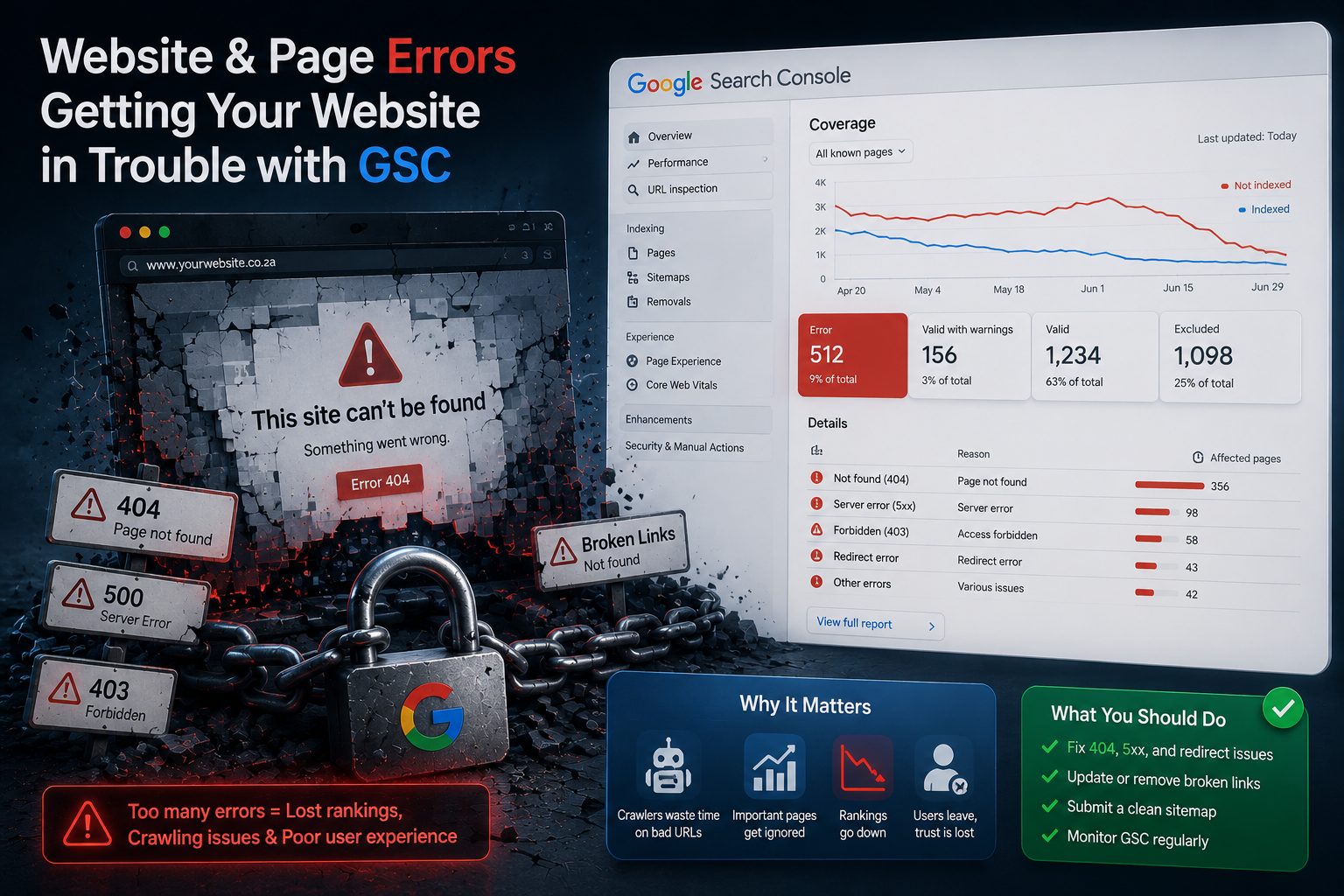
Two indexing statuses get confused constantly — and they need two completely different fixes.
Search Console's Page Indexing report throws around two statuses that people mix up all the time:
- "Crawled – currently not indexed" — Google visited the page, read it, and deliberately chose not to include it. Usually a content-quality, duplicate-content, or intent-mismatch issue.
- "Discovered – currently not indexed" — Google knows the page exists but hasn't crawled it yet. More of a crawl-priority issue, common on newer or smaller sites.
The usual causes behind both: thin or low-value pages, near-duplicate pages, content that doesn't actually match what searchers are looking for, and weak internal linking that leaves a page stranded with nothing pointing to it.
- Open Search Console → Pages → scroll to "Why pages aren't indexed."
- For "Crawled – not indexed": expand thin pages with genuinely useful detail, merge near-duplicates, and link to the page from elsewhere on the site.
- For "Discovered – not indexed": be patient, and keep it linked internally and in your sitemap. This often resolves itself as the site earns more trust.
- Once you've made the fix, go back to URL Inspection and click Request Indexing to prompt a recheck.
This is exactly why every site we build starts with proper page structure and enough real content from day one — it heads this problem off before it starts.
You Never Got the Search Console Warning Email
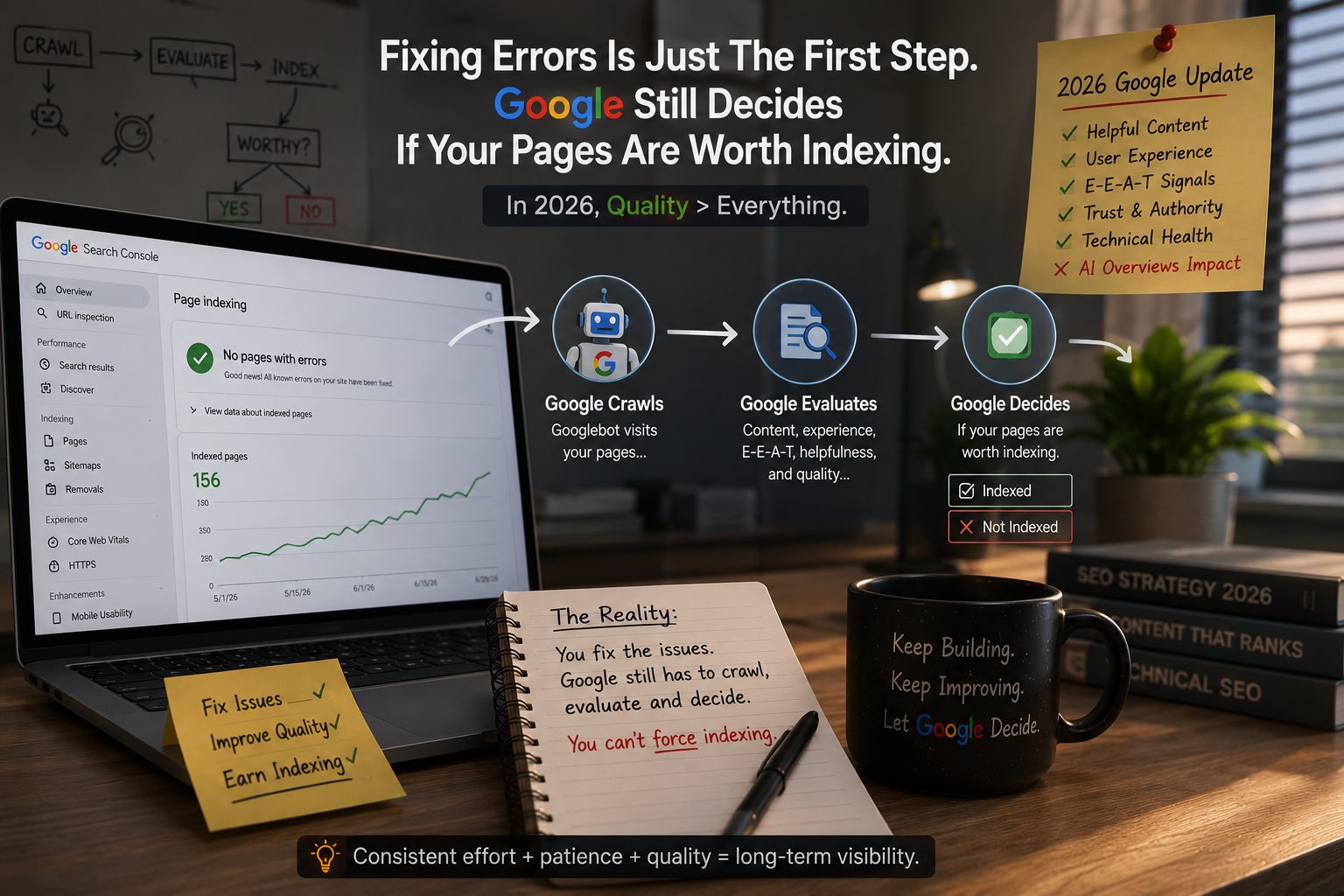
Once you know who actually owns Search Console, fixing access takes minutes, not months.
Only the verified Owner of a Search Console property receives email alerts about indexing problems, manual actions, or security issues. Everyone else — including Full Users — gets nothing in their inbox. It's genuinely common for a previous web designer or agency to have verified the property years ago under their own Gmail account. The business owner never had access, and never saw a single warning, even while the site was quietly losing visibility.
- Ask whoever built or manages your site whether a Search Console property already exists, and under which email address.
- If that's unclear, or you don't have access, set up a new property under the business's own Gmail. Verification is usually a quick DNS record, and it's fine to have alongside an existing one.
- Go to Settings → Users and Permissions. Keep yourself as Owner so alerts reach you, and add your designer or agency as a Full User.
- Owner email alerts are on by default, so once you're verified as Owner, you're covered going forward.
Not sure who owns your Search Console property, or whether one was ever set up? This is normally a two-minute fix. Get in touch and we'll check it for you, free of charge.
Your Backlink Count Drops Sharply for No Clear Reason
Losing backlinks quietly, alongside losing traffic, is a pattern worth connecting rather than treating as two separate problems.
A backlink disappearing here and there is completely normal churn, and most of it has nothing to do with anything you did:
- Link rot — the linking site deletes the page, redirects it elsewhere, or goes offline entirely.
- Partnerships ending — a collaboration, guest post, or supplier relationship winds down, and the link goes with it.
- Redesigns elsewhere — another business rebuilds its own site and drops external links in the process.
- Expired domains — a site linking to you simply isn't renewed.
A few links coming and going month to month is normal. A large chunk vanishing all at once, especially alongside a traffic drop, is worth actually looking into.
- Open Search Console → Links (it's free and built in).
- Compare your current top linking sites against what you remember. Did the drop line up with a specific partner or directory?
- A polite email to the site owner sometimes gets a link restored.
- Keep steadily earning new relevant links — local Gauteng and Boksburg directories, suppliers, partners — rather than chasing the ones you lost.
Once you fix the problem, Google doesn't clock back in immediately. There's no way to force it faster than Google is willing to move.— Tsundzu Mlati, Elamilanga Web Design
The 5 signs, at a glance
- Your site used to show up on Google. Now a site: search returns nothing.
- Search Console's Performance report shows a hard flatline to zero on one exact date.
- The Page Indexing report shows your pages as "Crawled" or "Discovered" but not indexed.
- You never got a warning email, because you were never the verified Owner in Search Console.
- Your backlink count has dropped sharply, and it lines up with your traffic disappearing too.
Of course, these five signs don't cover every possible reason your site could disappear from Google. Poor site structure, broken or dead links scattered across your pages, incorrect or missing metadata, and a handful of other technical issues can all quietly work against you too. Trying to diagnose all of this alone, without knowing exactly what to look for, can eat up hours you don't have — which is often why it's worth getting someone who does this daily to look under the hood and find the actual root cause, rather than guessing and hoping.
And here's the part that catches most business owners off guard: even once you've found the problem and fixed it, Google doesn't update its verdict overnight. Submitting a fix through Search Console doesn't mean your site pops back into search results the next morning — Google needs to recrawl and reassess your pages, and that can take anywhere from a few days to several weeks, sometimes longer, depending on your site's size and history.
That waiting period is honestly one of the hardest parts of dealing with deindexing. You make the changes, notify Google, and then you wait, checking Search Console every few days for a sign that something's shifted. If you'd rather not sit through that alone, reach out to us — we'll help pin down the actual root cause and guide you through getting your site back where it belongs. And if it turns out your site needs more than a fix, take a look at our website packages.